
Score
of Content
Share:
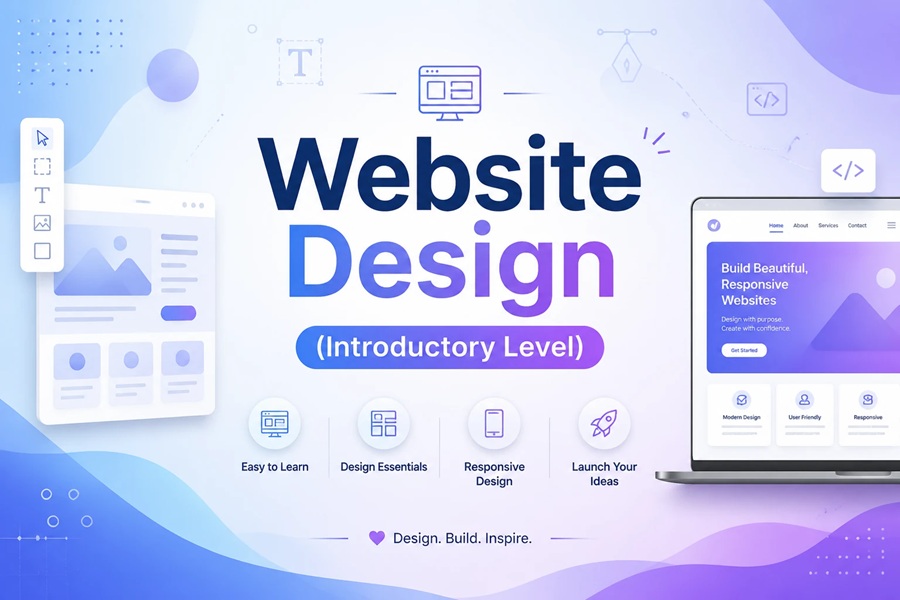
The Web Design (Introduction) course is a solid starting point for people who want to enter the web world, but have no technical or programming background. This course is designed to teach the basic and practical concepts of web design so that the student can independently launch a simple but standard website by the end of the course.
In this course, you will first be introduced to the basic concepts of the web; what a website is, how it works, what role domains and hosts play, and how the overall structure of a standard site is formed. This section will help you enter the learning path without confusion and have the right perspective on the way forward.
The main focus of the course is on practical learning. Instead of complex theoretical training, we move forward step by step and each concept is immediately implemented in practice. You will learn how to install WordPress, get to know its management environment and create your first pages of the site. All the training is presented in simple and understandable language so that even complete beginners can easily relate to it.
One of the important advantages of this course is the lack of coding. In this way, you will learn how to manage the structure of pages, menus and different sections of the site without writing a single line of code. This allows you to focus on the logic of the site’s design and usability, rather than dealing with complex technical issues.
During the course, you will learn the basics of user experience (UX) and the correct structure of pages; what sections each page should have and how to present the content of the site in an orderly and understandable way. This will ensure that your final output is not just a simple site, but a usable and standardized site.
If you are planning to enter the field of web design, if you want to launch a website for your own business, or if you are looking to learn a practical and income-generating skill, this course can be your best starting point.
By the end of the Web Design Training Course (Introduction), you will have a good understanding of website building, be able to design simple sites and enter more advanced stages of web design with more confidence.
Are there any specific prerequisites required for this course?
No, this course is completely suitable for beginners..
Is coding also taught in this course?
No, the course focuses on website design without coding.
Can I design a simple website after the course?
Yes, at the end of the course you will be able to build basic sites.
Smart summarization for product comments
Smart search on shopping websites
A queuing system with connection to payment gateways
Prevent multiple login sessions
Email campaigns using artificial intelligence
Producing and managing your website content with AI
Professional e-commerce website design
Modern and responsive websites
Online Store UI/UX Optimization
Technical and content support for your website
Increase conversion and sales rates
Building from 0 to 100
Effective online marketing strategies
Website security guarantee
Participate in online training sessions
Access to educational videos
Latest articles and news
Product use guide
Get help from the support team
Answers to common questions
Hear the story of commercy
Phone, email and Instagram
Changes: